Building a Go Package to Publish to Instagram and YouTube — The Meta OAuth Gauntlet
A Go library that publishes images and videos to YouTube and Instagram via OAuth — and the 5 debugging sessions it took to survive Meta's Instagram API.
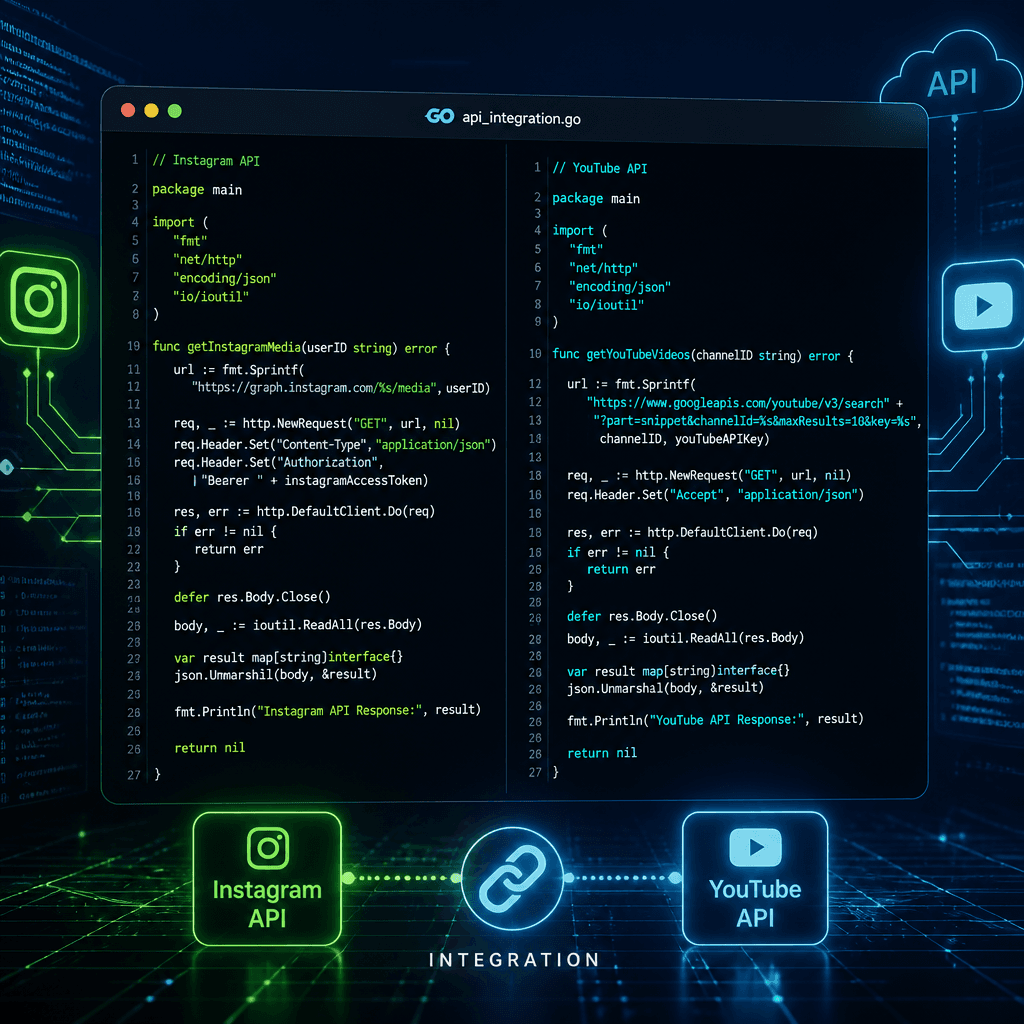
The Problem
I needed a single Go library that could publish content to both YouTube and Instagram from a server-side application. YouTube has Google OAuth with refresh tokens. Instagram has Meta's Graph API with short-lived tokens that expire in an hour. The two platforms use completely different OAuth flows, different token lifecycles, and different publishing APIs.
There are plenty of Python SDKs for this. Go? Not so much. And the ones that exist handle one platform at a time. I wanted a single package — github.com/mnkrana/social — that could handle both, with a clean TokenStore interface so you can plug in your own persistence layer.
The Package Design
The core abstraction is simple: a TokenStore interface, per-user tokens, and a NewClientForUser builder.
type TokenStore interface {
    Get(ctx context.Context, user string, platform PlatformID) (*Token, error)
    Save(ctx context.Context, user string, platform PlatformID, token *Token) error
}

func NewClientForUser(ctx context.Context, cfg Config, store TokenStore, user string) (*Client, error)
You implement TokenStore (Firestore, Postgres, Redis — whatever), pass the app-level config (client IDs, secrets), and the library wires up the right publishers per user. YouTube tokens refresh automatically. Instagram tokens can be refreshed every 60 days.
The publishing API is a single Publish call:
res, err := soc.Publish(ctx, social.PlatformInstagram, &social.Post{
    Caption:   "Hello from Go!",
    MediaURL:  "https://example.com/photo.jpg",
    MediaKind: social.MediaImage,
})
Behind the scenes, Instagram's publishing is a 3-step dance: create a container, poll until it finishes processing, then publish. YouTube is a resumable upload with progress callbacks. The package handles all of it.
                    ┌─────────────────────────────────┐
                    │        social.Client              │
                    │  NewClientForUser(cfg, store, u)  │
                    └───────────┬───────────────────────┘
                                │
                 ┌──────────────┴──────────────┐
                 │                             │
          ┌──────▼──────┐             ┌────────▼────────┐
          │  YouTube    │             │   Instagram     │
          │  Publisher  │             │   Publisher     │
          │             │             │                 │
          │ OAuth +     │             │ OAuth +         │
          │ Resumable   │             │ Container       │
          │ Upload +    │             │ Polling +       │
          │ Auto-refresh│             │ Publish         │
          └─────────────┘             └─────────────────┘
IG Login vs FB Login — The First Confusion
Here is where Meta's documentation tripped me up. There are two completely different OAuth flows for Instagram:
Same end result. Different hosts. Different scope names. Different token exchange endpoints. And the documentation for each is scattered across different Meta product pages.
IG Login is the one you want for Instagram-only publishing — no Facebook account required. Users sign in with just their Instagram professional account. FB Login requires a Facebook account linked to a Page with an Instagram business account connected.
The package supports both. You choose at config time:
// IG Login (recommended for Instagram-only)
cfg.Instagram.GraphHost = "https://graph.instagram.com"

// FB Login for Business (for apps already using Facebook Login)
cfg.Instagram.GraphHost = "https://graph.facebook.com"
Five Bugs That Taught Me Everything
Building the library was the easy part. Getting it to actually work against Meta's live API was five debugging sessions.
Bug 1: "Invalid platform app"
The api.instagram.com/oauth/authorize endpoint returned Invalid Request: Request parameters are invalid: Invalid platform app every time I tried to open the consent screen.
The fix was not in code. The Meta App Dashboard had the Instagram Graph API product configured, but not the Instagram Login product. These are two separate product configurations in the same dashboard. Adding the Instagram product does not automatically enable IG Login. You need to complete "API setup with Instagram Login" separately.
Bug 2: "Invalid Scopes: instagram_business_basic, instagram_business_content_publish"
After switching to Facebook Login for Business (because IG Login was not yet configured), the FB consent dialog rejected the scopes with Invalid Scopes.
IG Login scopes (instagram_business_basic, instagram_business_content_publish) are not valid for the Facebook Login dialog. FB Login uses different scopes: instagram_basic, instagram_content_publish. Same functionality. Different names. Different product page.
The package now exports both:
var InstagramScopes = []string{
    "instagram_business_basic",    // IG Login
    "instagram_business_content_publish",
}

var InstagramFBScopes = []string{
    "instagram_basic",             // FB Login
    "instagram_content_publish",
}
Bug 3: "Unsupported get request. Object with ID 'access_token' does not exist"
The FB Login long-lived token exchange endpoint is graph.facebook.com/v26.0/oauth/access_token?grant_type=fb_exchange_token. The IG Login endpoint is graph.facebook.com/v26.0/access_token?grant_type=ig_exchange_token.
Same host. Same API version. Different path. The FB endpoint is /oauth/access_token. The IG endpoint is /access_token. I used the IG path with the FB grant type and got a 400 with a confusing error about a missing object named "access_token".
Bug 4: "json: cannot unmarshal number into Go struct field user_id of type string"
The IG API returns user_id as a JSON number in some endpoints and a JSON string in others. Go's encoding/json does not care — it will fail on either mismatch.
The fix was a custom UnmarshalJSON that handles both:
func (r *InstagramTokenExchangeResult) UnmarshalJSON(data []byte) error {
    type Alias InstagramTokenExchangeResult
    var aux struct {
        Alias
        UserID json.RawMessage `json:"user_id"`
    }
    json.Unmarshal(data, &aux)
    *r = InstagramTokenExchangeResult(aux.Alias)
    if len(aux.UserID) > 0 {
        var s string
        if json.Unmarshal(aux.UserID, &s) == nil {
            r.UserID = s
        } else {
            var n json.Number
            json.Unmarshal(aux.UserID, &n)
            r.UserID = n.String()
        }
    }
    return nil
}
Lesson: always use json.RawMessage when a field's type depends on the endpoint.
Bug 5: "Media ID is not available"
Instagram's container publishing is a 3-step process: create container, wait for processing, publish. The code was only waiting for video containers to finish. Images publish immediately after creation — or so I thought.
In practice, even image containers need a brief moment to finish processing. The first publish attempt hit media_publish before the container was ready, and the API returned Media ID is not available.
The fix was one line: always call waitForContainer, not just for videos.
// Before: only wait for video
if post.MediaKind == MediaVideo {
    p.waitForContainer(ctx, containerID)
}

// After: always wait
p.waitForContainer(ctx, containerID)
The Test Harness
To validate the package end-to-end, I built a test harness — a Go backend + Next.js frontend that lets you connect accounts, see which account is connected, and publish.
┌──────────────┐     OAuth      ┌──────────────┐
│   Next.js    │◄──────────────►│  Go Backend  │
│   Frontend   │                │  (port 8080) │
│   (port 3000)│                │              │
└──────────────┘                └──────┬───────┘
                                       │
                              ┌────────┴────────┐
                              │                 │
                       ┌──────▼──────┐  ┌──────▼──────┐
                       │   YouTube   │  │  Instagram  │
                       │   OAuth     │  │   OAuth     │
                       └─────────────┘  └─────────────┘
The backend stores per-user tokens in memory (swap the TokenStore for production). The frontend shows connected accounts as badges (Instagram · @mithyagames, YouTube · Channel Name). Publishing sends a POST to the backend, which builds the Post struct and calls soc.Publish.
The harness also supports ngrok tunnels for Meta's HTTPS-only redirect URI requirement in production mode.
Lessons
1. Meta's API docs are scattered across 3 different product pages. IG Login, Instagram Graph API, and Facebook Login each have their own setup flow, scopes, and endpoints. Read all three before writing code.
2. Always poll before publish. Even for images. The container needs time to process. The Graph API will return a cryptic "Media ID is not available" if you skip the wait.
3. Use `json.RawMessage` when a field's type varies. Meta's API returns user_id as both number and string depending on the endpoint. Your struct should handle both.
4. IG Login scopes are not FB Login scopes. Same API, different scope names. This is documented nowhere — you discover it by getting Invalid Scopes in the FB dialog.
5. The `/oauth/access_token` path is for FB Login. The `/access_token` path is for IG Login. Same host, same version, different paths. Your exchange code needs to know which one to hit.
The package is open source at github.com/mnkrana/social. It supports YouTube (upload, schedule, resumable), Instagram (image, video, reels, stories, carousels), per-user token management, automatic refresh, and both IG Login and FB Login for Business.
Install it:
go get github.com/mnkrana/social@v1.0.1