Building Illustra — AI Image Generation with A2A Protocol
Building a monorepo AI image generation app with LangChain, Gemini, and Stability AI — and the production bugs that taught me everything.
The Idea
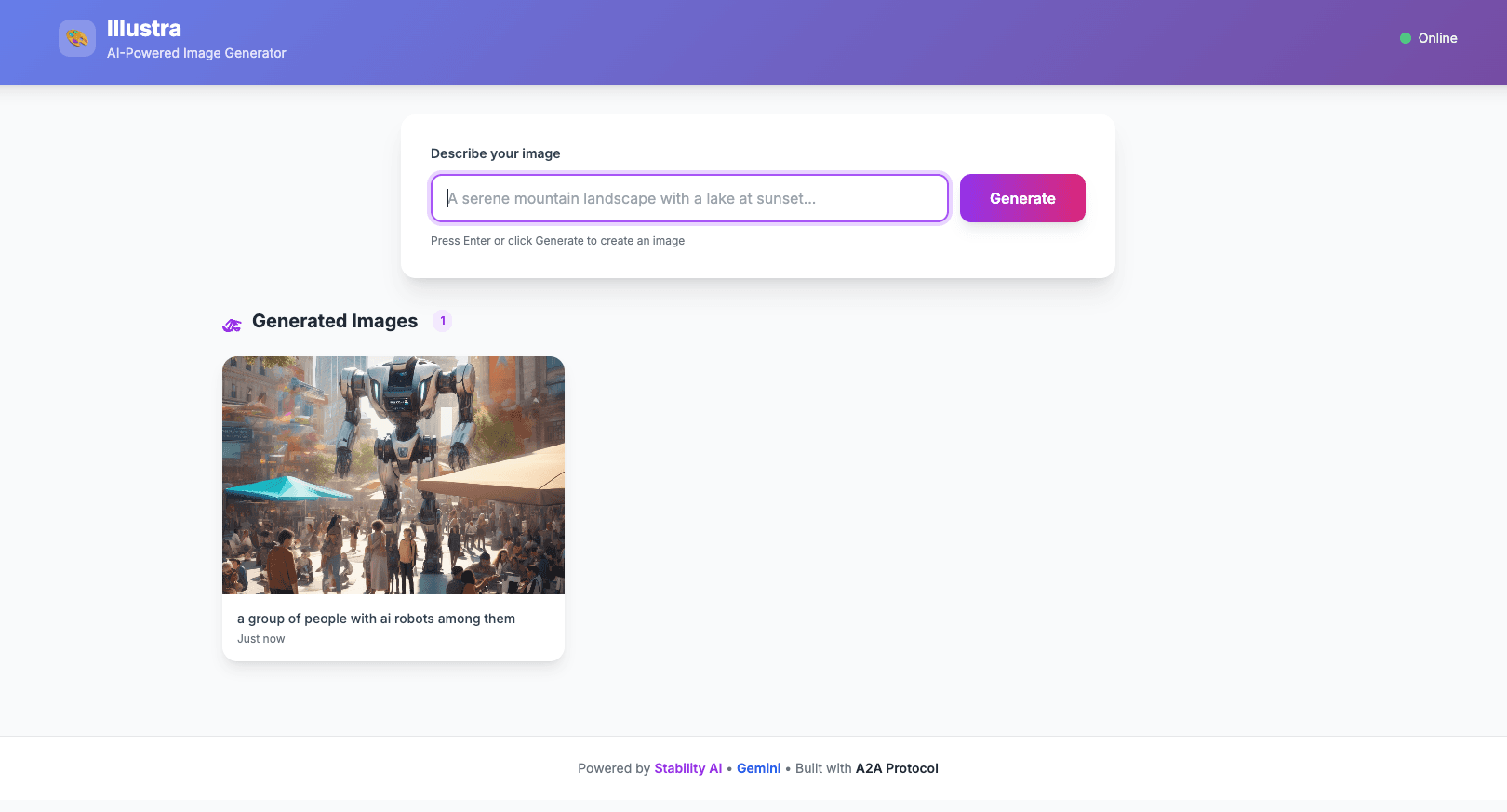
What if you could generate images by just chatting with an agent? Not a complex UI with sliders and parameters — just type what you want, and get it back.
I built Illustra as a two-service monorepo to experiment with Google's A2A (Agent-to-Agent) protocol — a JSON-RPC based communication layer that lets AI agents talk to each other in a standardized way. The goal: combine LLM prompt enhancement with Stability AI image generation, all orchestrated through clean API boundaries.
User → Illustra UI (Express + Tailwind)
         ↓ /api/generate
       Illustra Agent (LangChain + Gemini)
         ↓ tool call (prefix routing)
       Stability AI (default) or OpenAI GPT Image 2.0
         ↓ upload
       GCS Bucket → Public URL
Architecture
The system has two services, each independently deployable on Google Cloud Run:
Agent Service (`@illustra/agent`)
The brain. It runs a LangChain agent powered by Google Gemini that:
1. Receives A2A JSON-RPC requests at /a2a/invoke
2. Enhances the user's prompt using Gemini (turns "a cat" into something Stability AI can work with)
3. Calls a custom tool that hits the Stability AI API or OpenAI GPT Image 2.0 for image generation
4. Uploads the result to Google Cloud Storage
The agent supports provider prefix routing via message prefixes:
[openai] → OpenAI GPT Image 2.0 (default quality: low)[openai][high] → OpenAI GPT Image 2.0 (high quality)(no prefix) → Stability AI (default)The parseInput() function extracts these prefixes before the prompt
is enhanced by Gemini and routes to the correct tool. 5. Returns a structured A2UI response (not just text — typed UI components)
The agent exposes an Agent Card at /.well-known/agent-card.json for A2A discovery — any compliant client can find and invoke it.
UI Service (`@illustra/ui`)
The face. An Express server with a Tailwind CSS single-page app that:
1. Presents a clean text input to the user
2. Proxies requests to the agent via the A2A protocol
3. Parses A2UI responses and renders the image
The UI is completely stateless — it doesn't know anything about image generation. It just speaks A2A.
The Build
Monorepo with Bun
Both services live in a single repo with Bun workspaces. Shared Makefile for build and deploy targets. Biome for linting, commitlint for conventional commits.
A2A Protocol
The Agent-to-Agent protocol is essentially JSON-RPC 2.0 over HTTP:
{
  "jsonrpc": "2.0",
  "id": 1,
  "method": "message/send",
  "params": {
    "message": {
      "role": "user",
      "parts": [{ "type": "text", "text": "a sunset over mountains" }]
    }
  }
}
The response comes back as A2UI — structured data that describes UI components:
{
  "result": {
    "role": "assistant",
    "parts": [
      {
        "kind": "data",
        "data": {
          "type": "Image",
          "props": {
            "url": "https://storage.googleapis.com/illustra/images/1234567890.png",
            "alt": "a sunset over mountains"
          }
        }
      }
    ]
  }
}
Cloud Run Deployment
Both services deploy via gcloud run deploy --source . — Google Cloud Build builds the Dockerfile automatically. Environment variables are injected via env.yaml files.
The Difficulties
This is where things got interesting. Everything worked perfectly locally. Production told a different story.
The 500 Error Mystery
After deploying both services, the UI returned a cryptic error:
SyntaxError: Failed to parse JSON from responseThe agent worked fine when tested directly. The UI was sending the right request. But the response couldn't be parsed as JSON.
Root cause: Three problems layered on top of each other:
1. Missing env.yaml in Cloud Run builds — The .gcloudignore file was excluding env.yaml, so the agent deployed without API keys. It returned an HTML error page, not JSON.
2. Port mismatch — Cloud Run defaults to port 8080. The UI was configured to listen on 3000. The deployment flags didn't match the runtime configuration.
3. No response validation — The UI blindly called response.json() without checking if the response was actually JSON. When it got an HTML error page back, it crashed.
The Fix
// Before: blind JSON parse
const data = await response.json();

// After: check content-type first
const contentType = response.headers.get("content-type") || "";
if (!contentType.includes("application/json")) {
  const rawText = await response.text();
  console.error(`Non-JSON response (status ${response.status}):`, rawText);
  return res.status(response.status).json({
    error: `Agent returned non-JSON response`,
  });
}
const data = await response.json();
Three changes total:
env.yaml from .gcloudignore so it gets included in Cloud Run builds8080 (Cloud Run standard)The Lesson
Always validate before parsing. Never assume a response is JSON just because you expect it to be. Log the raw response on failure — it's the difference between a 5-minute and a 5-hour debugging session.
Results
Here are some images generated by the live system:
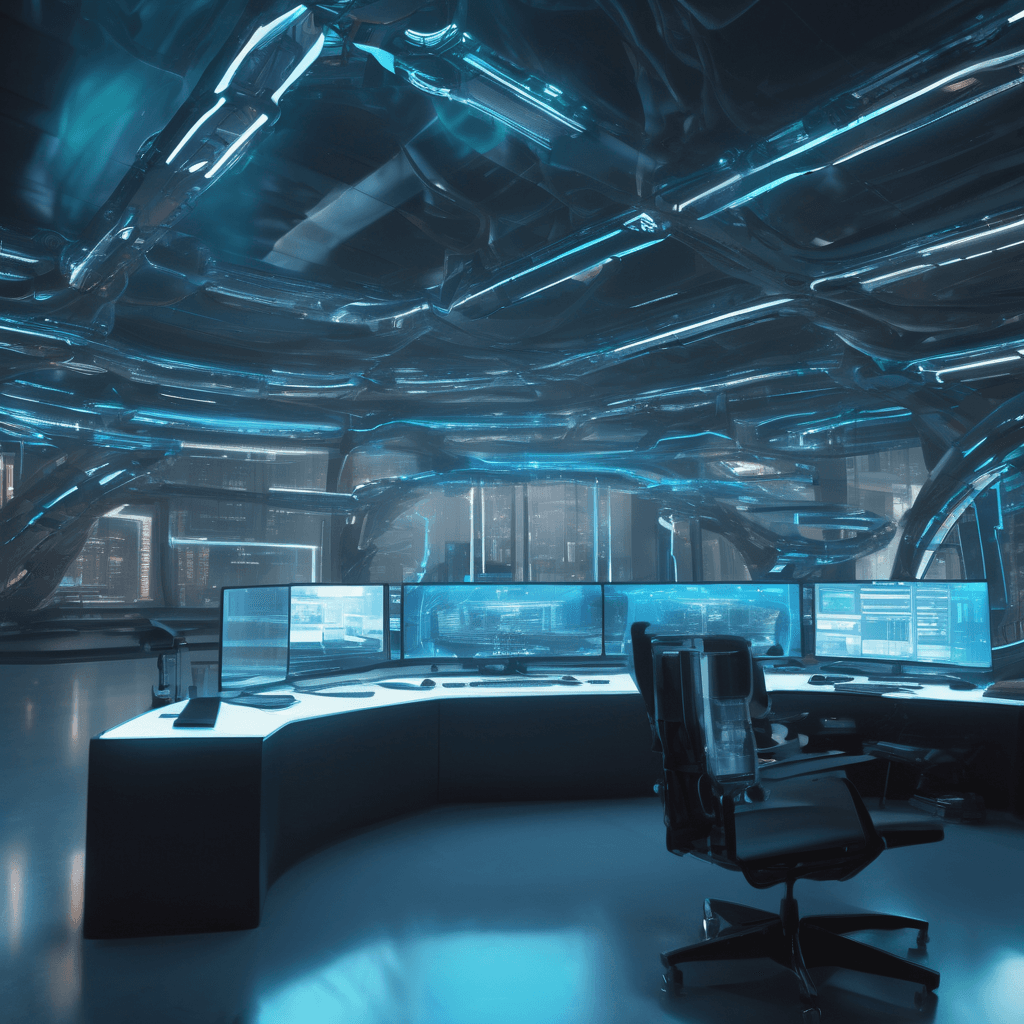

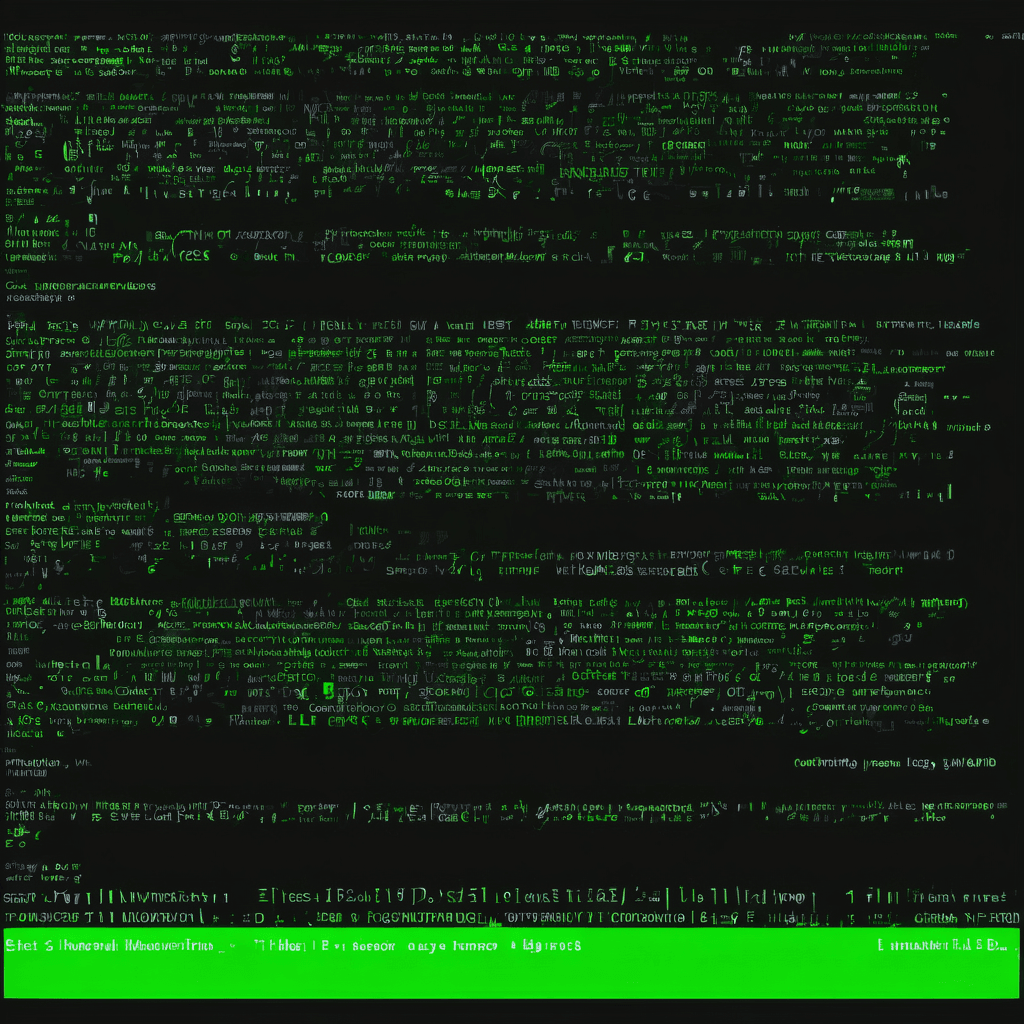
The system handles prompt enhancement, image generation, storage, and structured response delivery — all through clean API boundaries.
OpenAI GPT Image 2.0 Comparison
Illustra now supports OpenAI GPT Image 2.0 alongside Stability AI.
Using the [openai] prefix, users can switch providers instantly
without changing any UI code.
Speed & Cost Comparison
Image Comparison
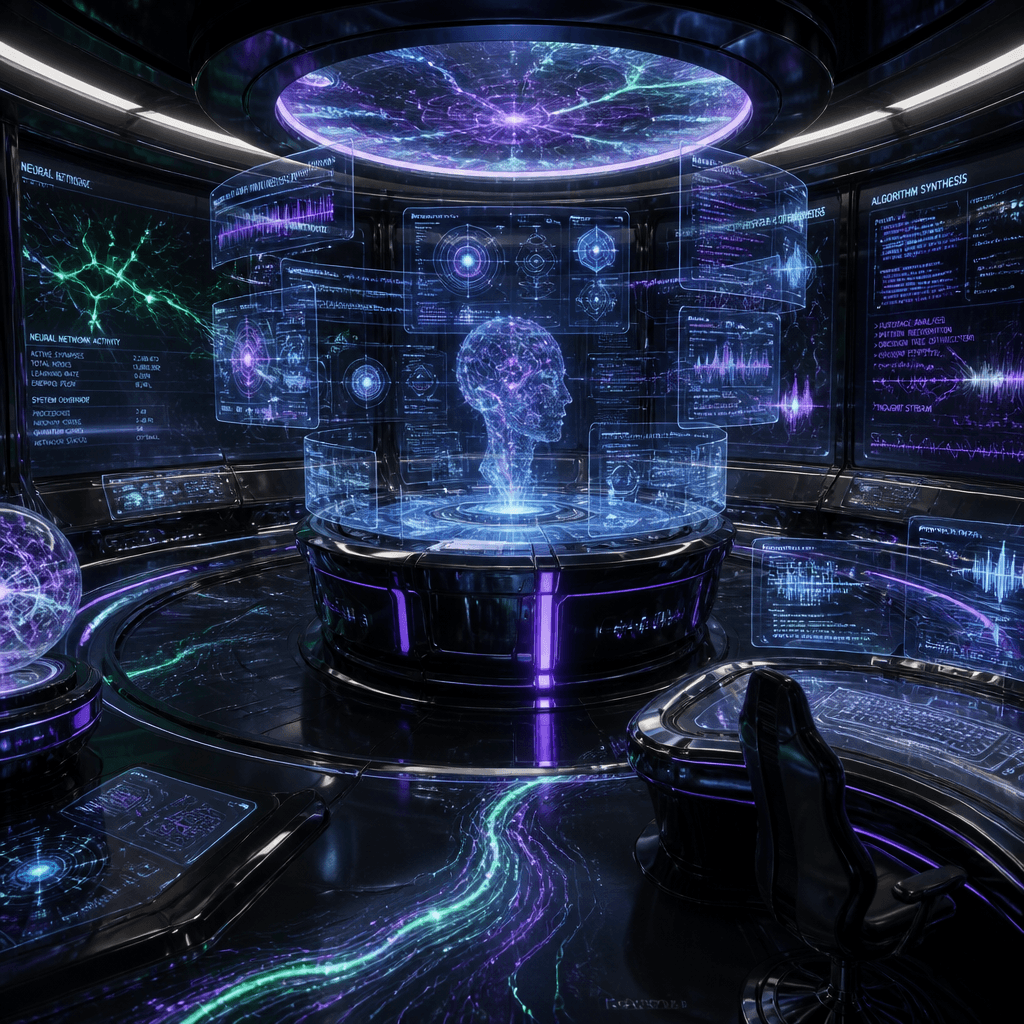
The OpenAI images were generated using [openai][low] prefix for
quick, cost-effective generation ($0.006 per 1024×1024 image).
What's Next
Illustra is open source: github.com/mnkrana/illustra